Web App
Refer to the Download a Roboflow Universe Dataset documentation if you want to download a dataset from Roboflow Universe.
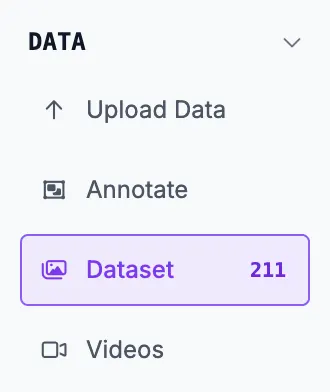
To download or export a dataset from Roboflow, first navigate to the Dataset page in your project.
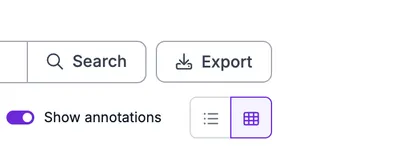
To the right of the image search bar, click Export.
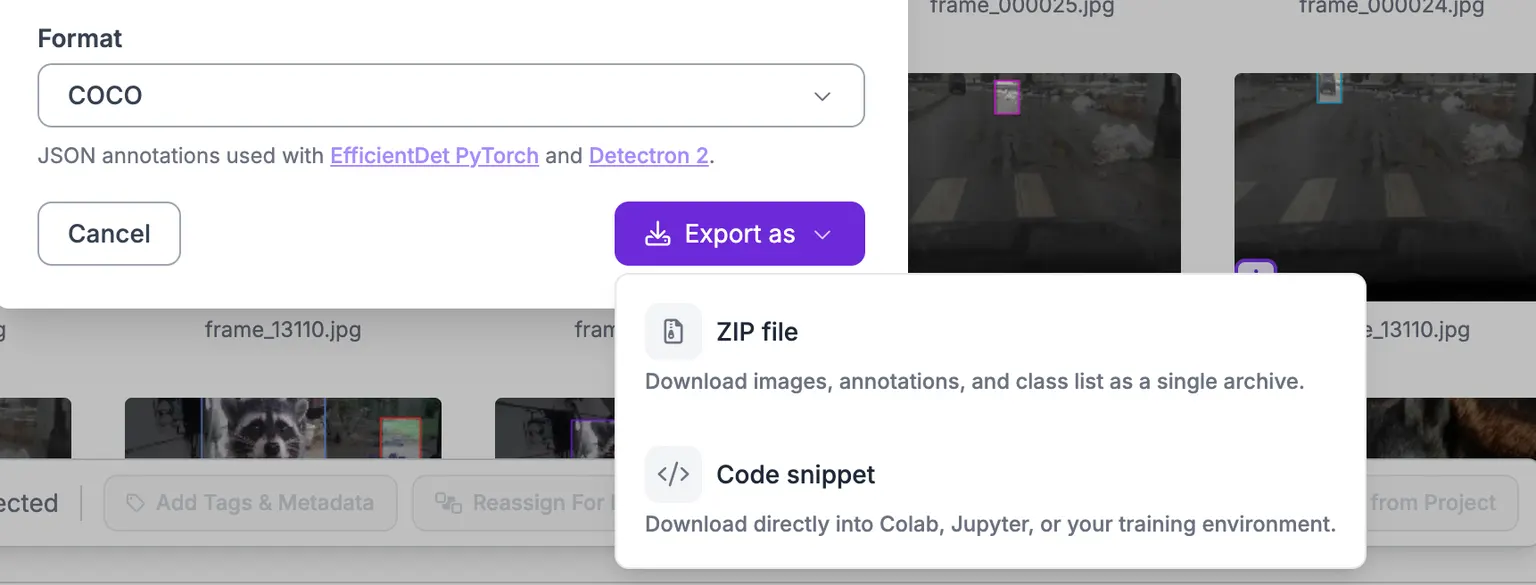
A modal will appear giving you options for formats to download your data as. Roboflow supports over 50 different annotation formats.
You can also choose to either download your dataset directly as a zip file or be provided with a code snippet to download the data locally.
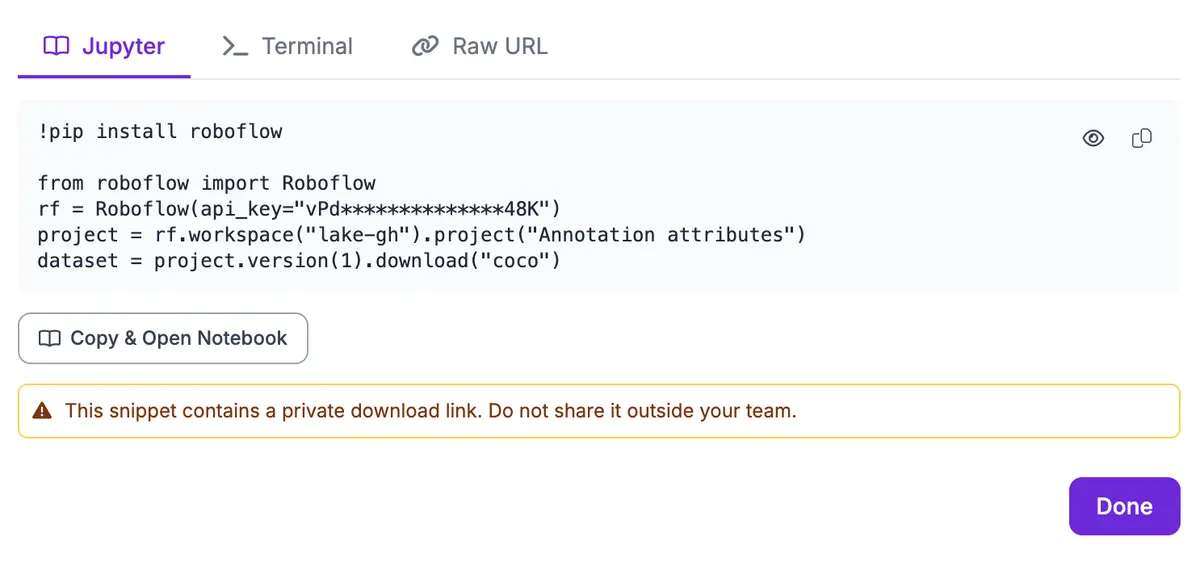
If you choose the code option, you will be able to choose from a Python code snippet, a curl command, or a direct download link to your dataset.
FAQs
Why don't my zipped image counts match the UI?
There are two possibilities for this:
- An image randomly failed to download in the respective cloudly service.
- The image is corrupt or too large, leading to some errors.
Our application only generates the export zip once and then re-downloads the same export if the same format (e.g. COCO) is selected. If you ever notice that the image count is off in the download, you can always create a new version and re-download.
\
Are the downloaded images the original quality?
No. To prevent training slowdowns, we compress images at a level that maintains a balance between training speed and resolution needed for sufficient model performance.
If you're looking to download a single original quality image, you can do so by clicking on a image on your dataset and selecting "Download Image".
If you're looking to download multiple original quality images, we recommend using our CLI or our Image Search API.
Python SDK
Once a project has a generated version, you can download its images and annotations in any of the supported export formats. Use Version.download() for the synchronous "fetch and unzip" flow, or Version.export() to ask Roboflow to (re)generate the export asynchronously without downloading.
Download a version
import roboflow

rf = roboflow.Roboflow(api_key="YOUR_API_KEY")
project = rf.workspace().project("my-detector")
version = project.version(3)

dataset = version.download(
    model_format="yolov8",      # or "voc", "coco", "darknet", etc.
    location="./my-detector-v3", # optional, defaults to ./<project>-<version>
    overwrite=False,             # optional, set True to re-download an existing dir
)

print(dataset.location)  # path on disk
Parameters
model_format(str) - export format. Common values:yolov8,yolov11,voc,coco,darknet,tfrecord,createml,multiclass. The full list is project-type-dependent - pass an invalid value to get the full list back as an error.location(str, optional) - destination directory. Defaults to./<project-slug>-<version>.overwrite(bool, defaultFalse) - re-download even if the target directory already exists.
The returned Dataset object has a .location attribute pointing to the unzipped directory.
Trigger a fresh export without downloading
ok = version.export(model_format="coco")This kicks off a server-side regeneration of the export. The call returns once the generation is complete (or raises RuntimeError if it fails). After that, a subsequent download() will fetch the freshly generated artifact.
Public Universe datasets
You don't need to be a member of the workspace to download a public Universe project - your API key just needs Universe access:
project = rf.workspace("roboflow-100").project("poker-cards-cxcvz")
project.version(1).download("yolov8", location="./poker-cards")
CLI
If your project has a saved version, you can download the images and annotations for that version using the command line.
Command
roboflow version download <workspace/project/version> -f <format> -l <location>Or use the shorthand alias:
roboflow download <workspace/project/version> -f <format> -l <location>Where:
<format>is one of the supported dataset formats (likevoc,yolov8,coco,darknet, etc). Runroboflow version download --helpfor the full list.<location>is the local path to download to (optional - defaults to current directory)- The dataset URL uses resource shorthand:
workspace/project/version,project/version, or just specify-p projectand a version number.
Examples
Download a dataset version in VOC format:
roboflow download -f voc -l ./my-dataset my-workspace/hand-gestures/1Download using project shorthand (uses your default workspace):
roboflow download -f yolov8 hand-gestures/1Download publicly available datasets from Roboflow Universe:
roboflow download -f coco joseph-nelson/chess-pieces-new/25JSON Output
For scripting and automation, use --json to get structured output:
roboflow download hand-gestures/1 -f yolov8 --json{
"workspace": "my-workspace",
"project": "hand-gestures",
"version": 1,
"format": "yolov8",
"location": "./hand-gestures-1"
}MCP Server
Connect your AI agent to the MCP Server and it can fetch a dataset download with these tools:
| Tool | Description |
|---|---|
versions_export | Check or trigger a dataset export for a version. |
versions_get | Get version info including splits and its trainings. |