The Premium Trial is a limited, 14 day trial of premium features to help you assess whether or not Roboflow's computer vision platform is right for your use case.
Trial Features
The trial gives you access to specific premium features in the application and $60 worth of included credits to use. The trial does not map to a specific paid plan.
While using your trial, if there is a feature that you care most about, we've provided the below comparison table to make it easy to understand which plans will give you the equivalent level of access. When the plan name is listed with a +, the feature is available on the named plan and all higher plans.
For up-to-date information on our plans and their associated features, see our pricing page.
Access
| Feature | Included | Plan Equivelant |
|---|---|---|
| Private Data | :white_check_mark: | Core+ |
| Included Credits | 15 | |
| Team Members | 20 | Core+ |
| Projects | 50 | Core+ |
| Role Based Access Control (RBAC) | :white_check_mark: | Enterprise |
Data
| Feature | Included | Plan Equivelant |
|---|---|---|
| Workspace Dataset Size Limit | Uncapped | Basic+ |
| Image Augmentations | 10x | Enterprise |
| Enhanced Augmentations & Preprocessing | :white_check_mark: | Basic+ |
Label
| Feature | Included | Plan Equivelant |
|---|---|---|
| Review Mode | :white_check_mark: | Enterprise |
| Labeling History | :white_check_mark: | Enterprise |
Train
| Feature | Included | Plan Equivelant |
|---|---|---|
| All Model Sizes | :white_check_mark: | Enterprise |
| Model Evaluation | :white_check_mark: | Enterprise |
| Concurrent Training Jobs | :white_check_mark: | Enterprise |
Deploy
| Feature | Included | Plan Equivelant |
|---|---|---|
| Model Monitoring | 7 Days of Data | Enterprise |
| Workflow Versions | :white_check_mark: | Enterprise |
Support
| Feature | Included | Plan Equivelant |
|---|---|---|
| Email Support | :white_check_mark: | Enterprise |
| Live Chat | :white_check_mark: | Enterprise |
Unsupported Features
There are some features of our paid plans that we don't offer as a part of the Premium Trial. To be abundantly clear about their exclusion, you can find these features listed below.
| Feature | Included | Plan Equivelant |
|---|---|---|
| Purchasing Prepaid Credits | :x: | Basic+ |
| Outsourced Labeling Services | :x: | Enterprise (Annual) |
| Download Model Weights | :x: | Basic+ |
| Premium GPU Access for Training | :x: | Enterprise |
| Train a SAM3 Model | :x: | Core+ |
| Inference Model License | :x: | Basic+ |
| Self-Hosted Model License | :x: | Enterprise |
| Onboarding Call | :x: | Enterprise |
| Dedicated Deployment | :x: | Enterprise |
Trial Start
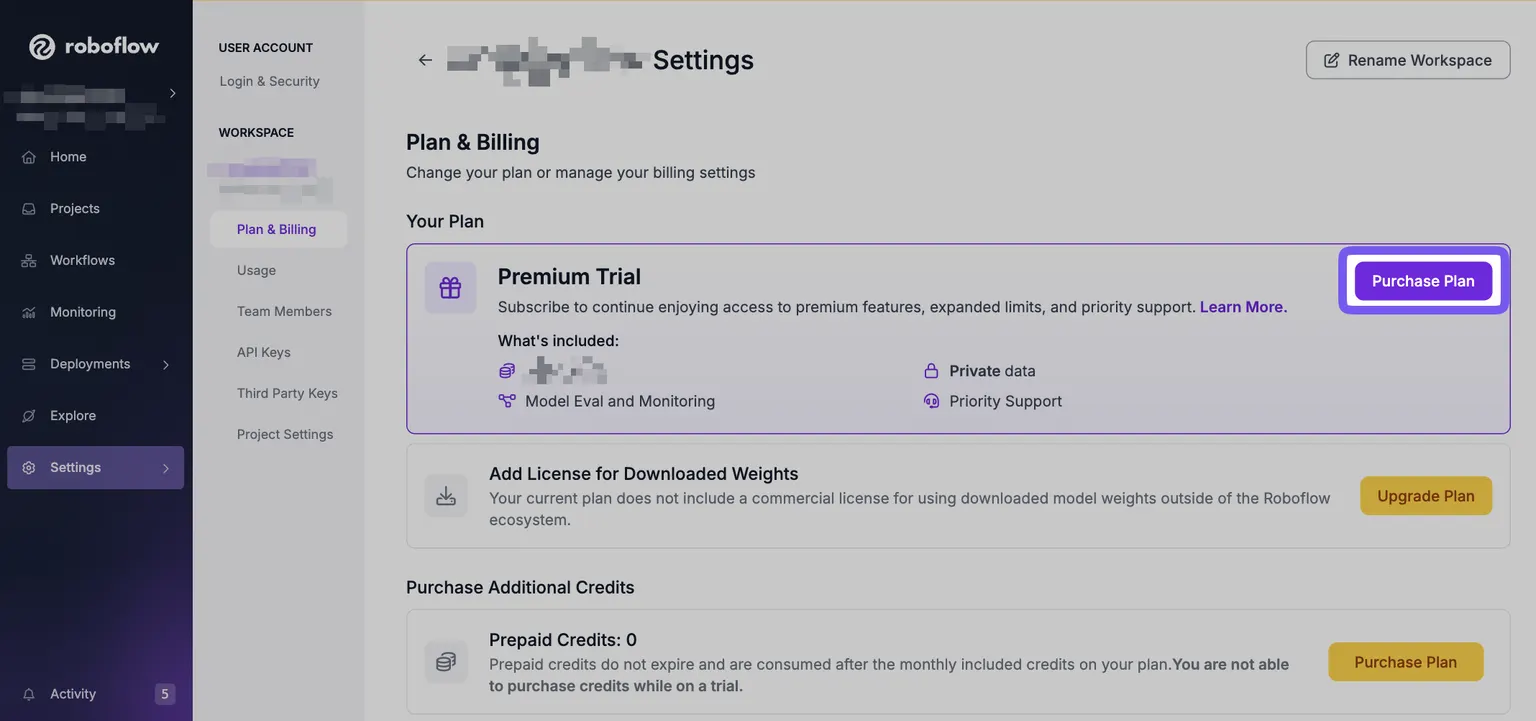
Most users that sign up to Roboflow will be automatically started on the trial, while some may have to explicitly opt into the trial. You can verify if you are on the Trial or not by going to the Plan & Billing page.
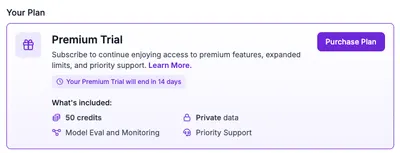
Trial End
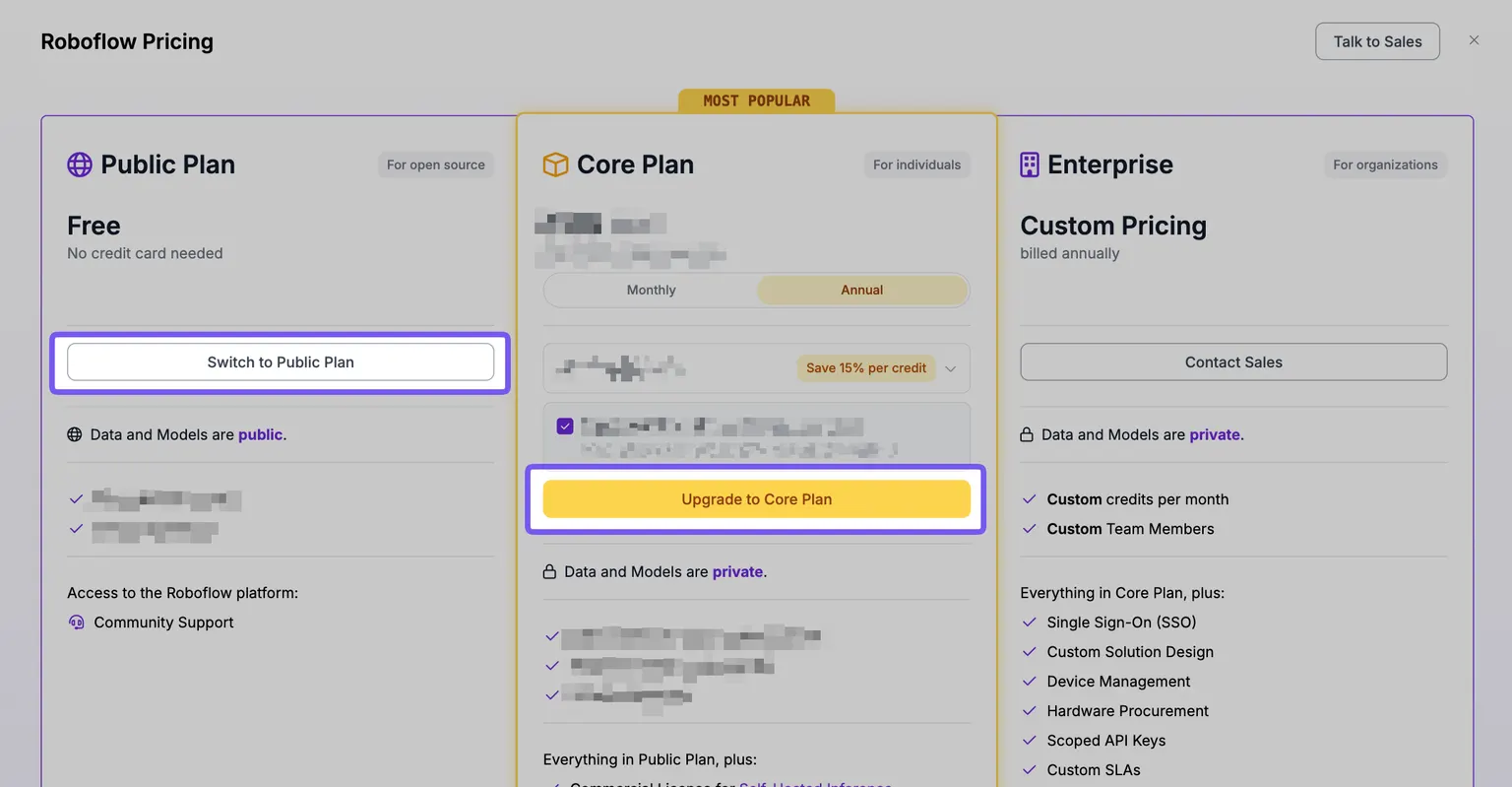
When your trial expires, your account will automatically be put in a sandbox state. In this state, you cannot use platform until you perform at least one of the following actions:
- Purchase a Plan
- Select the Public Plan
As a part of selecting the public plan, you will be required to:
- Manually set any previously private datasets to public
- Remove projects and team members until you are under the Public Plan limits
When your trial expires, your datasets only go public with your explicit consent. We require this extra action to ensure that your private datasets are not leaked to the public!
Cancelling a Trial
If, for any reason, you would like to cancel a trial, you may do so at any time through the plan selection menu.
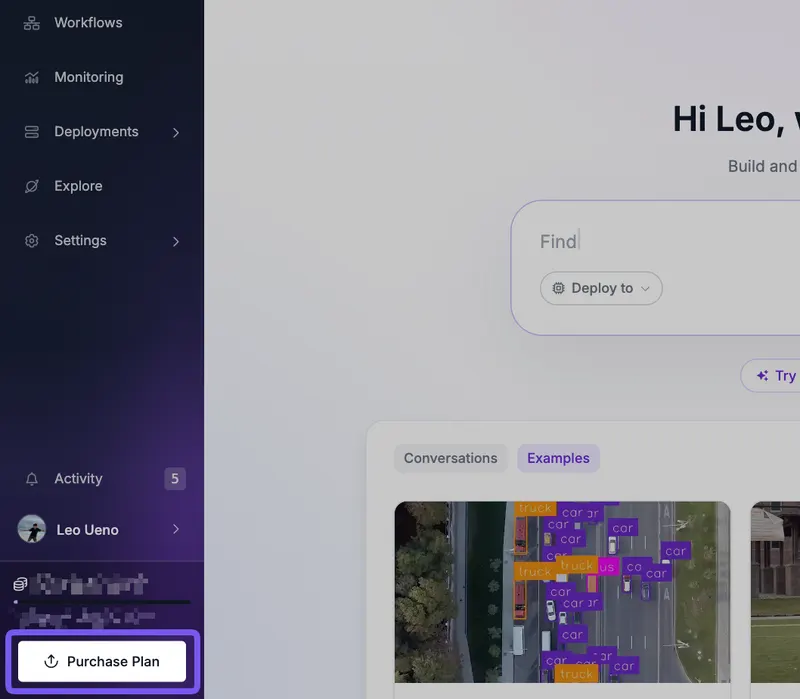
You can reach the plan selection screen through the Workspace Settings, through the "Purchase Plan" button, or through other prompts throughout the app.
In order to cancel, you must select an alternative plan. You may either downgrade and switch to the free public plan or any other available plan.