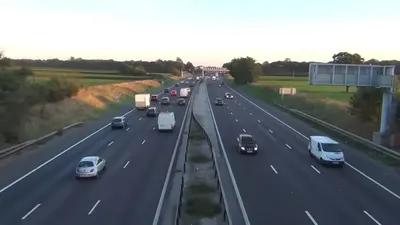
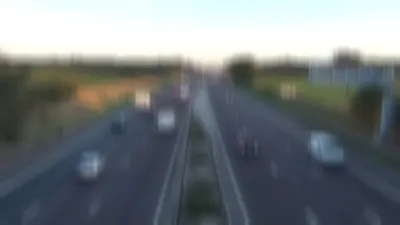
Apply directional blur that mimics the streaking caused by camera shake or fast-moving subjects, helping your model stay accurate on motion-affected footage.
Motion Blur Augmentation is an optional augmentation step during the Image Augmentation (when creating a new version). Below are the settings that can be configured for motion blur:
- Length: The length of the blur in pixels. Higher values produce a stronger, more pronounced streak.
- Angle: The direction of the blur, in degrees, along which the streak is applied.
- Frames per blur length: How the streak is distributed across the blur length. Higher values create a smoother motion trail.
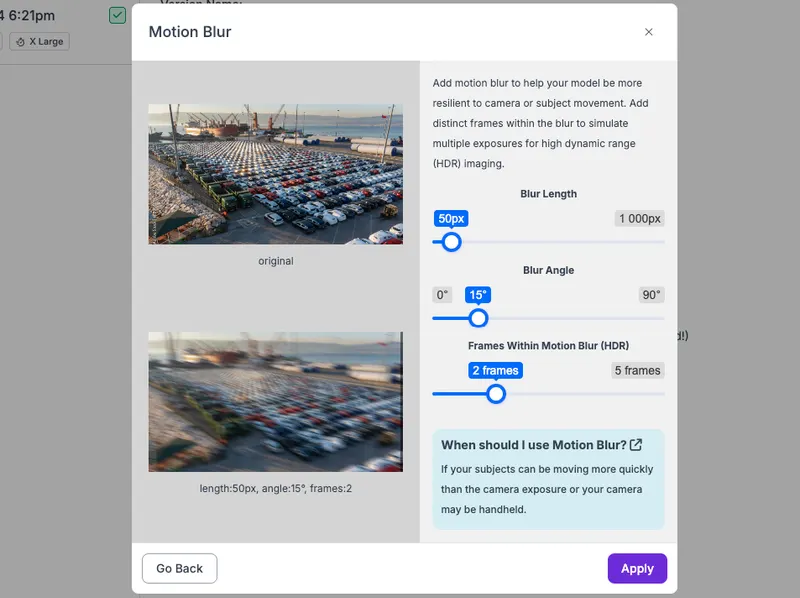
Here is before/after motion blur is applied to an image: