If you don't need to momentarily pause a stream but terminate it's configuration fully and permanently, you can terminate a video stream from the Deployment Manager dashboard.
To terminate a Stream, click on a Device in Deployment Manager, then click on the three dots next to the Stream you want to stop in your Stream list. Click "Terminate Stream":
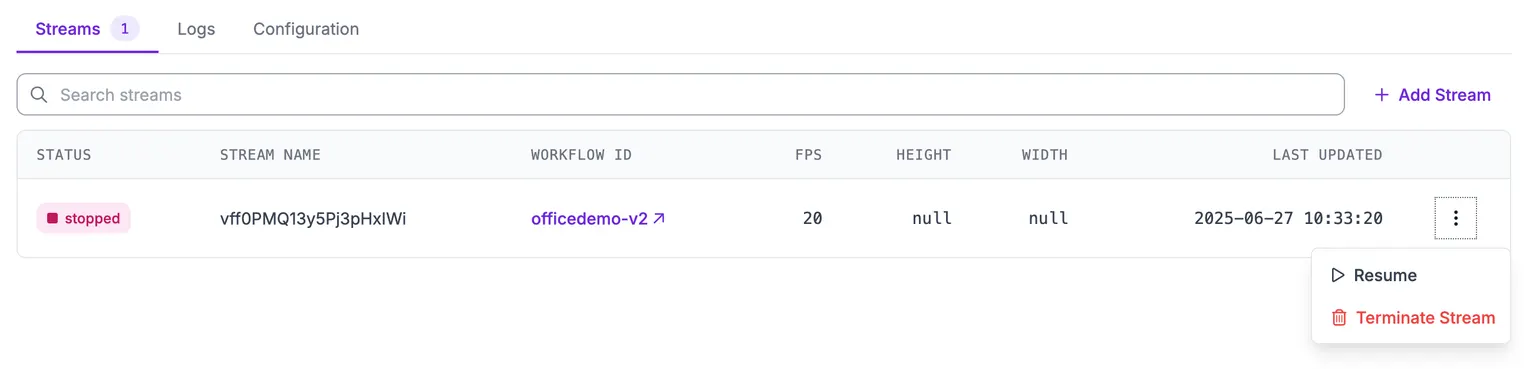
:information_source: Note that terminating a stream removes it's configuration entirely and it's configuration may not be recoverable. If you may need to restart a stream with that configuration, we recommend you pause a stream instead.